
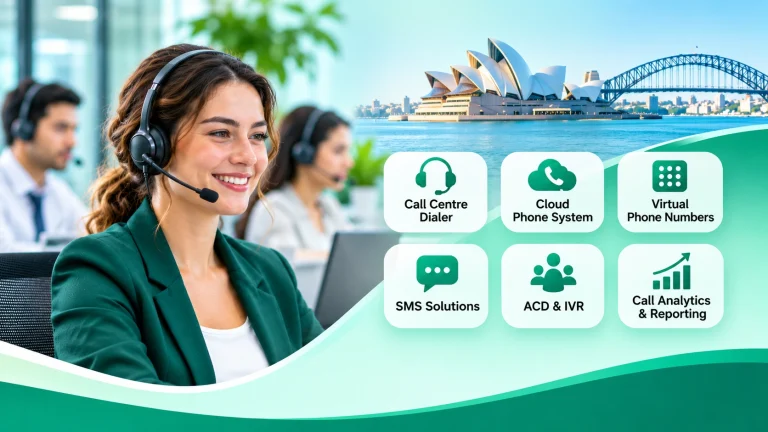
Australian call centres need more than a way to make and receive calls. Sales teams may need to manage large lead lists, service teams need to route incoming enquiries, and managers need visibility into agent activity and campaign results. The right call centre software brings these tasks into a connected workflow.
Klozer provides a range of cloud-based communication solutions for outbound call centres, BPOs and businesses managing customer conversations. Its product range includes a call centre dialer, cloud phone system, virtual phone numbers, voice services and SMS tools. This guide explains the main software requirements Australian businesses may consider and how Klozer products fit those needs.
What Should Call Centre Software Include?
Call centre software can combine calling, call distribution, agent workflows, reporting and messaging. The exact requirements depend on whether a team mainly handles outbound sales, inbound service or a mix of both. Before choosing a platform, businesses should consider dialling options, inbound call handling, call records, integrations, reporting and the communication channels their agents use.
Outbound Dialer Software for Sales and Lead Generation
Outbound dialers organise the process of calling leads and can reduce the need for agents to dial every phone number manually. Klozer’s call centre Dialer includes several dialling modes for different campaign workflows:
- Predictive Dialer: Automatically dials multiple phone numbers and connects an available agent when a live person answers. It is designed for high-volume outbound campaigns.
- Power Dialer: Calls through a lead list one contact at a time, moving to the next call as the agent becomes available.
- Preview Dialer: Gives an agent customer or lead context to review before starting the call. This can suit conversations that need preparation.
The best mode depends on campaign volume, the level of personalisation required and how the team manages call outcomes. Businesses should also check local telemarketing rules, consent requirements and do-not-call obligations before running campaigns.
Explore Klozer’s call centre Dialer and Predictive Dialer products.
Cloud Phone System and VoIP Calling
A cloud phone system lets teams make and receive business calls through an internet connection rather than depending entirely on traditional on-site phone equipment. This can suit businesses with remote agents, multiple locations or teams that need to manage calls through a shared platform.
Klozer’s Cloud Phone System offering includes cloud-based calling, virtual phone numbers, call routing, IVR, analytics and predictive dialling. Klozer also describes VoIP and SIP-related communication services. Businesses should confirm device compatibility, network requirements, call destinations, phone number configuration and service availability before implementation.
Read more about the Klozer Cloud Phone System.
Inbound Call Handling and call centre Features
Inbound teams need a clear process for directing callers and managing conversations. Klozer lists features that can contribute to this workflow:
- Automatic Call Distribution (ACD): Automatically sends incoming calls to the right agent.
- IVR: Lets callers choose an option from a phone menu to reach the right department.
- Call Transfers and Routing: Allows agents to send callers to the right person or department.
- Call recording and call management: Allow businesses to keep records and review conversations where configured and legally permitted.
- Real-time analytics and reporting: Give managers visibility into call activity and operational performance.
These capabilities can be useful for customer service teams, sales departments and BPOs handling different types of enquiries. Confirm which features are included in the selected Klozer plan and how each one is configured.
SMS Solutions for Customer Communication
Calls are not the only way businesses communicate with leads and customers. SMS can be used for appointment reminders, follow-ups, campaign messages and two-way conversations. Klozer lists 2-Way SMS, Bulk SMS, A2P SMS and SMS API within its product range.
Two-way SMS allows agents and contacts to exchange messages. Bulk SMS is designed for sending messages to a list of recipients, while A2P SMS and SMS API support application-driven business messaging. Australian businesses should confirm local phone number and sender options, destination coverage, message pricing and applicable consent rules before using these services.
See Klozer’s product range for its messaging and communication options.
CRM Integration, Call Records and Team Visibility
When calling activity is connected with business records, agents can work with relevant lead or customer information and teams can maintain a clearer history of interactions. Klozer lists CRM integration, click-to-call, call notes, dispositions and analytics among its platform capabilities. The exact integration and available data fields can vary, so businesses should confirm compatibility with their specific CRM and workflow.
Managers should also review user permissions, recording access, retention settings and privacy requirements. Call recording and personal information must be handled in line with applicable Australian laws and the organisation’s own policies.
Klozer’s Presence and Services for Australian Businesses
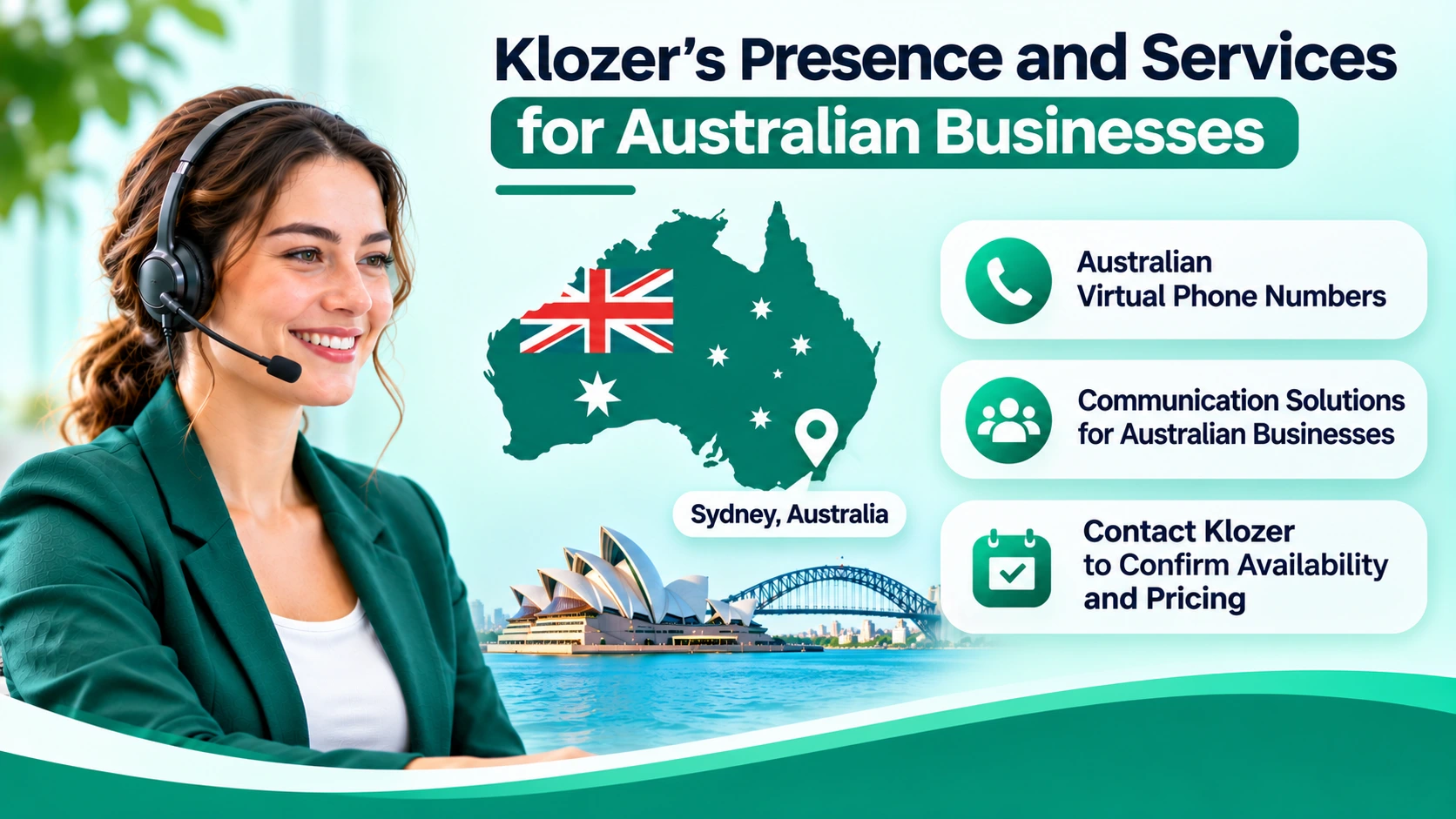
Klozer offers virtual phone numbers for Australia and lists its Australian contact details, including a Sydney address and phone number. Its products are designed for businesses and call centres in different markets.
For Australian businesses, having an Australian virtual phone number is only one part of choosing a phone system. They also need to consider features such as incoming and outgoing calls, dialling options, SMS, software integrations, call reports and local calling rules.
Klozer offers communication solutions tailored to your business needs and can confirm the available features, Australian virtual phone number options and current pricing.
View Klozer’s Australia virtual phone number information or contact Klozer to explore suitable communication solutions for your business requirements.
How to Choose the Right Call Centre Platform
- Workflow Requirements: The first step is to understand whether your team mainly handles outbound sales calls, inbound customer service calls or both.
- Dialler Capabilities: Different dialling modes, such as Predictive, Power and Preview, offer different benefits depending on your campaign needs.
- Inbound Call Features: Features such as IVR, ACD, call routing, call transfers and voicemail help manage incoming calls and direct callers to the right place.
- Communication Channels: Consider whether your business needs voice calling, two-way SMS, bulk messaging or API access.
- Integrations and Reporting: Check whether the system connects with your CRM and provides the call reports and performance data your managers need.
- Australian Requirements: Review Australian number availability, pricing, caller ID options, privacy rules, call recording requirements and telemarketing regulations.
Conclusion
Call centre software in Australia should match the way a business manages calls, agents, leads and customer conversations. Klozer’s product range covers outbound dialling, cloud telephony, virtual phone numbers, voice services, SMS and call centre features such as ACD, IVR, call recording and analytics. Australian businesses can compare these capabilities with their operational needs and contact Klozer to confirm current availability, configuration and pricing before choosing a solution.
