
The Philippines has a significant business process outsourcing (BPO) and contact centre sector. For organizations managing outbound campaigns or inbound enquiries, choosing the right call centre dialer software can make daily communication more organized. A dialer automates parts of the calling process, while connected features can help teams route calls, review performance and manage lead interactions.
What Is Call Centre Dialer Software?
Call centre dialer software automates or simplifies outbound calling. Depending on its dialing mode, it can place calls from a contact list, present lead information before a call, or connect answered calls to available agents. Many contact centre platforms also combine dialing with inbound routing, call recording, monitoring, reporting and CRM integration.
For Philippine BPOs and sales teams, the right configuration depends on campaign volume, agent availability, call destinations, data workflows and the type of conversation agents need to conduct.
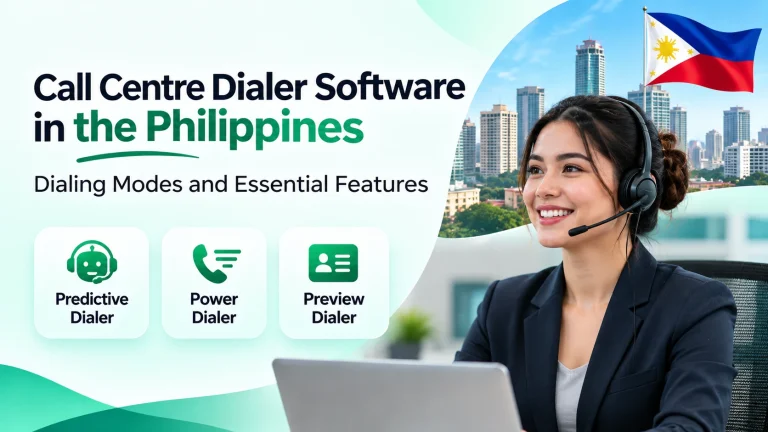
Three Main Dialing Modes
Predictive Dialer
A predictive dialer uses algorithms to estimate agent availability and initiate multiple outbound calls. When a
human answers, the system can connect the call to an available agent. It is designed for high-volume campaigns where reducing manual dialing and agent idle time is a priority. Teams should monitor pacing and abandoned calls because overly aggressive settings can create poor caller experiences.
Power Dialer
A power dialer automatically moves through a contact list, initiating calls in sequence as agents become available. It reduces repetitive number entry and keeps outbound work moving in a structured flow. It can suit lead follow-up, appointment setting and sales campaigns that need automation without the same multi-line approach as predictive dialing.
Preview Dialer
A preview dialer presents a lead or customer record before the agent places a call. Agents can review available details, notes or interaction history and decide when to start the conversation. This context-first approach can suit B2B sales, account follow-up and calls that require preparation or personalization.
Dialer-Related Features to Evaluate
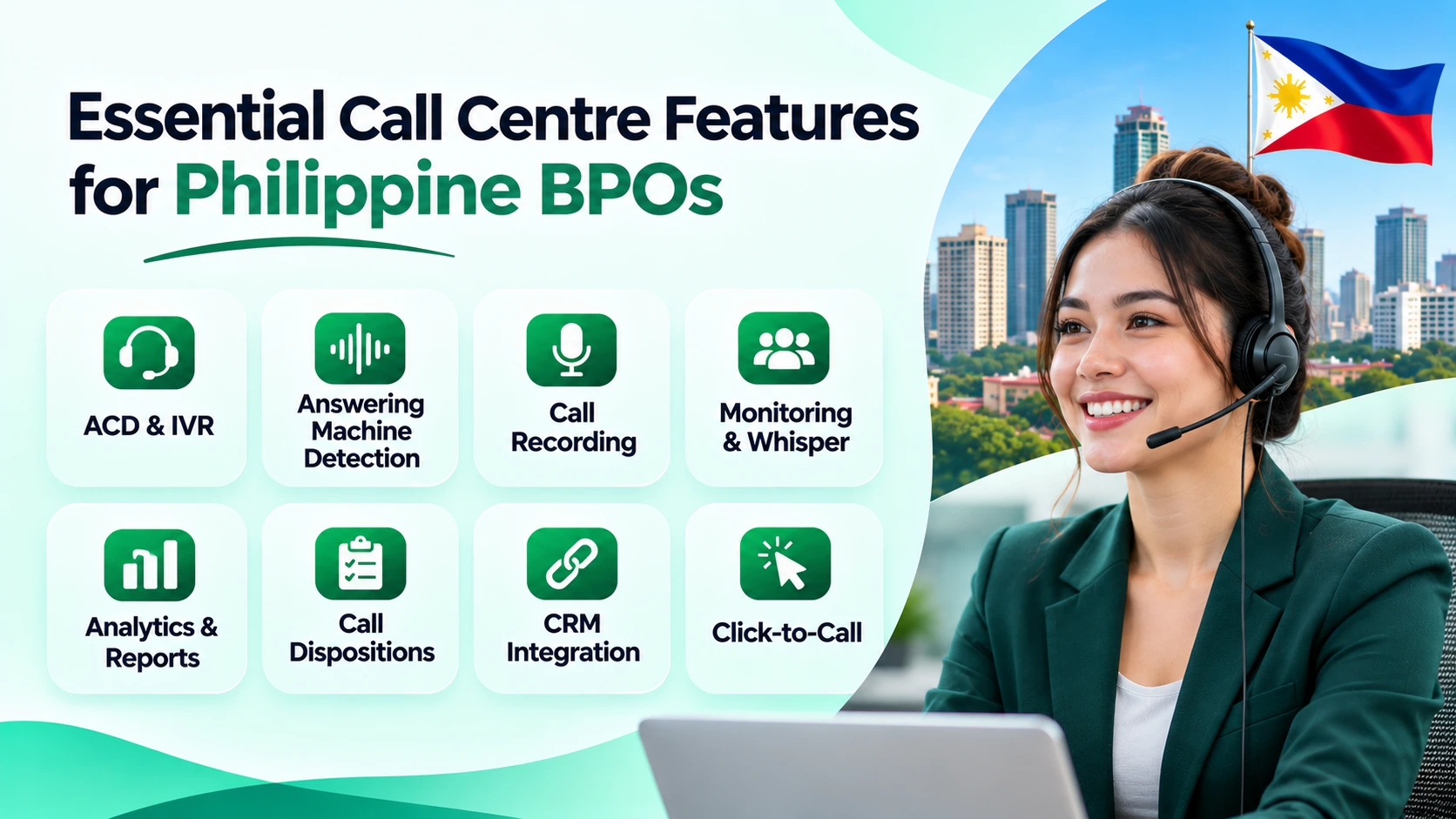
Automatic Call Distribution (ACD) and IVR
ACD routes incoming calls to agents or teams based on configured rules such as availability, skills or priority. IVR gives callers menu options to select a department or service. Together, these features help organize inbound call flows and direct callers to an appropriate destination.
Answering Machine Detection (AMD)
AMD attempts to identify whether a call is answered by a person or an answering machine. The dialer can then handle the result according to campaign settings. Detection can vary with call quality and voicemail systems, so businesses should test it and review call outcomes rather than assume it is always accurate.
Call Recording, Monitoring and Whisper
Call recording can provide material for quality reviews, training and dispute handling, subject to applicable privacy and recording requirements. Live monitoring lets supervisors listen to calls. Whisper allows a supervisor to give guidance to an agent without the caller hearing it. Barge or join functions, if enabled, allow a supervisor to enter a live call.
Analytics, Dispositions and CRM Integration
Call analytics can report on measures such as call volume, outcomes, talk time and agent activity, depending on the system and its configuration. Call dispositions record outcomes such as callback, no answer or not interested. CRM integration can associate call activity and notes with lead or customer records. Click-to-call can make supported phone numbers callable directly from a CRM or website.
How to Choose Dialer Software for a Philippine BPO
Start with the workflow. Identify whether the team mainly handles outbound prospecting, inbound service calls or a mix of both. Then compare the dialing modes, routing rules, supervisor tools, reporting and CRM connections that the operation actually needs. Ask providers to demonstrate the intended workflow rather than relying on a feature checklist.
Also check voice quality, internet requirements, caller ID configuration, number availability for the destinations you call, pricing, onboarding and technical assistance. If your Philippine team contacts people overseas, assess the rules that apply in each destination market as well as the requirements relevant to your own operation.
The Philippines Data Privacy Act of 2012 (Republic Act No. 10173) requires personal data processing to follow principles including transparency, legitimate purpose and proportionality, with appropriate security safeguards. A dialer does not automatically make a campaign compliant. Review contact permissions, data handling, retention, recording and opt-out processes with the appropriate compliance adviser.
Klozer Dialer and Contact Centre Features
Klozer’s published product pages describe Predictive, Power and Preview Dialers, along with features including Automatic Call Distribution, call monitoring, whisper and barge functions, call recording, analytics, CRM integration and click-to-call. Exact availability and behavior depend on the selected product and configuration. Philippine businesses should confirm number availability, call destinations, integrations and pricing with Klozer before deployment.
Conclusion
The right call centre dialer software can make outbound calling more structured and inbound handling easier to manage. Predictive, Power and Preview Dialers serve different workflows, while ACD, IVR, AMD, recording, monitoring, analytics and CRM integration add value when they match operational needs. Philippine BPOs should assess the complete workflow, verify local and international service requirements, and review privacy and calling obligations before choosing a platform.
